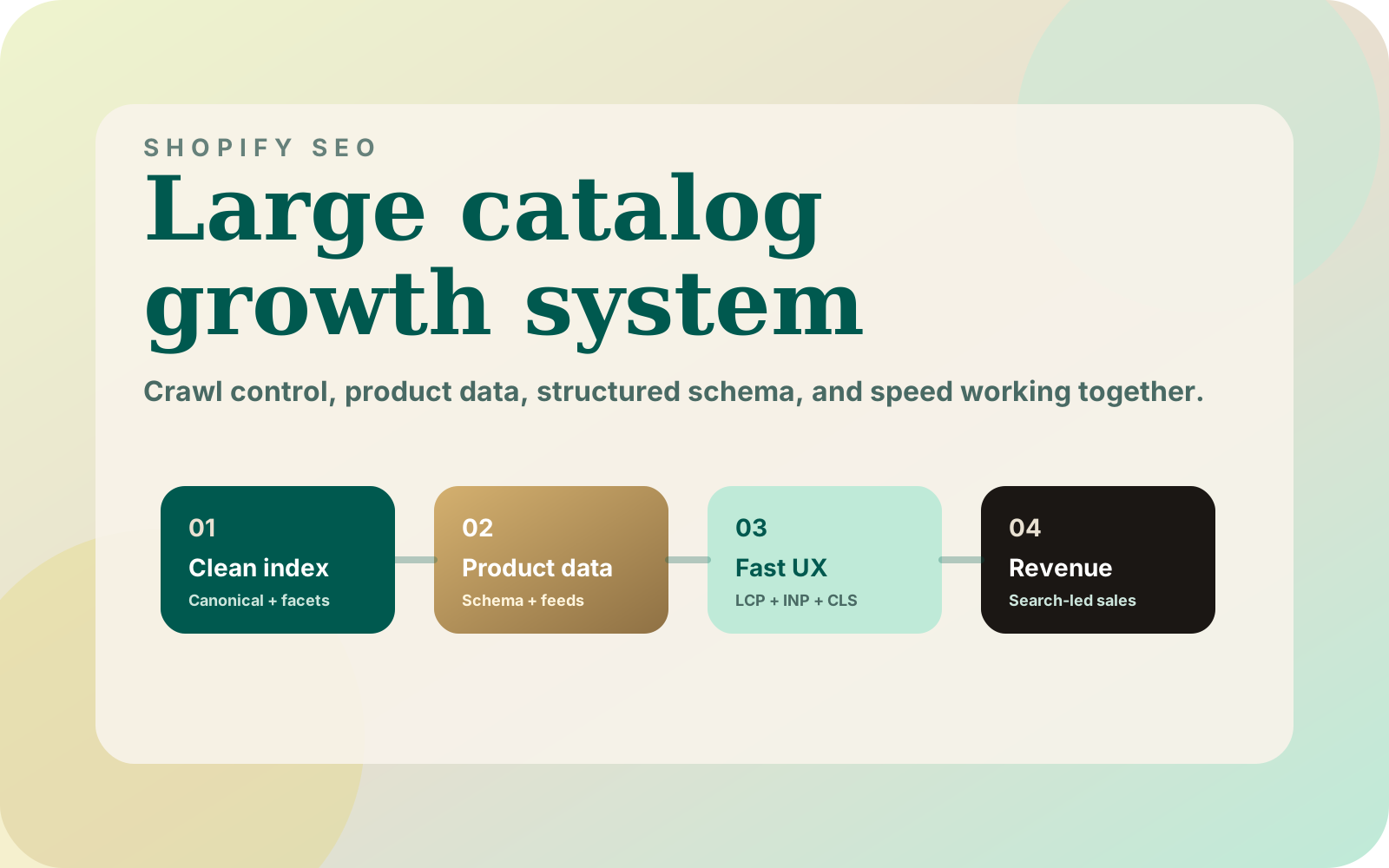
Shopify SEO for a large catalog starts with a practical question: can a shopper and a crawler reach an accurate, useful page? I would check that before rewriting thousands of descriptions. A clean title cannot repair the wrong product image, a broken collection link or unreliable availability.
1. What a large-catalog audit needs to measure
My BC Supply Ops project supports a Shopify store with 70,000+ products and seven suppliers. Its safeguards include dry-run plans, typed confirmations and feed-health checks. Those are operations facts, not evidence of an organic traffic increase.
That distinction matters when planning SEO work. Product data changes can affect what shoppers see, while search performance needs separate measurement. I would keep both in the audit rather than claim that a cleaner feed automatically improves rankings.
Start a worksheet with one row per problem, not one row per warning from an audit tool. Record the affected URL pattern, a reproducible example, the customer consequence, the proposed change and a verification step. Assign an owner so the list becomes work someone can finish.
| Observation | Check next | Evidence to save |
|---|---|---|
| Important page is absent from search | Discovery, response, robots and canonical signals | URL Inspection result and raw HTML |
| Page gets impressions but few clicks | Query fit, title and competing search intent | Queries and landing-page performance |
| Visitors reach the wrong variant | Product identity and supplier matching | Source row, variant ID and rendered page |
| Collection is hard to browse | Product selection, filters and card clarity | Mobile recording and sample product paths |
2. Which URLs should represent the catalog?
Sample a product, a collection, a collection-linked product, a filtered collection, a paginated collection and a deliberately missing address. Check the HTTP response and canonical tag before relying on what a browser displays. A page can look correct after JavaScript runs while its initial response describes something else.
Shopify automatically maintains sitemap files. Use them as a discovery inventory, then compare their contents with the pages you actually want customers to find. Submitting a sitemap does not establish that every listed URL is indexed.
For duplicates, choose the preferred page and keep internal links consistent with that choice. Google's canonicalization guidance explains how redirects, canonical annotations and sitemap entries contribute signals. Do not point genuinely different collection pages at one generic page simply to reduce the URL count.
I would also avoid blanket changes to filter URLs before checking their purpose. A useful, deliberately maintained category page needs a different decision from a temporary combination of sort order and filters. Preserve the browsing experience while deciding which pages warrant distinct search content.
3. Is the product data trustworthy enough to publish?
Supplier records need identity checks before they become product changes. A matching title alone is not enough to establish that two rows describe the same size, pack or variant. Review ambiguous mappings instead of publishing the closest-looking match.
The supplier barcode matching checklist explains that review boundary. The missing product image workflow covers another common publication problem: finding an image is different from confirming it belongs to the item.
| Field | Review question | Hold condition |
|---|---|---|
| Identity | Does the supplier record match the intended variant? | Ambiguous barcode or pack size |
| Image | Does it show this product and its packaging? | Missing or mismatched media |
| Availability | Is the source current and complete? | Failed or suspicious supplier feed |
| Price | Is the value valid under the store's pricing policy? | Missing cost or a failed floor check |
| Description | Does it explain the actual product? | Supplier boilerplate that contradicts the item |
A held update should remain visible to the operator. Silently discarding it makes the next audit harder because nobody can distinguish a reviewed exception from a broken job.
4. Does each collection answer a different buying question?
Give a collection a clear purpose before writing its introduction. Which products belong there, which attributes distinguish them, and what must a shopper compare? If two proposed pages answer the same question with the same assortment, decide whether both are useful.
Write enough context to explain the selection and important differences. Put that explanation near a usable grid, with filters that match the products. Long copy does not compensate for an assortment that fails the promise in the title.
When those filters are absent, use the missing metafield filter checklist to separate collection-size limits, theme support and product-data problems before changing the interface.
Link related collections and buying guides where the connection helps the reader. Keep descriptive link text and check that links reach the intended canonical page. For the ordering inside the grid, my collection sorting guide separates ranking signals from merchandising guardrails.
5. Do the page, structured data and feed agree?
Select a small set of representative products and compare the visible price, currency, availability and variant information with their structured data and shopping feed. Include a product with variants and an unavailable item, rather than testing only the easiest product.
Google's product structured data documentation distinguishes product snippets from merchant listings and explains supported product information. Test the markup relevant to the page. Do not invent ratings or include a price the customer cannot obtain.
On mobile, follow the same product from a collection into its detail page and cart. Check image loading, text readability, filter interaction and unexpected layout movement. Record the device and test conditions so a later comparison means something.
6. What should happen after the audit?
Choose the first fix by its demonstrated consequence. A wrong product mapping or an inaccessible important collection deserves attention before an optional wording refinement. Make a dry-run report for bulk changes and review a small sample before allowing writes across the catalog.
After release, repeat the original reproduction steps. Save the corrected response, markup or product record alongside the original evidence. Then monitor the affected landing pages and queries in Search Console over comparable periods, noting other promotions or site changes that complicate attribution.
If you need help, book a catalog review with one affected collection, representative product URLs and the supplier or search symptom you can reproduce. That gives us a concrete starting point and a result we can verify.