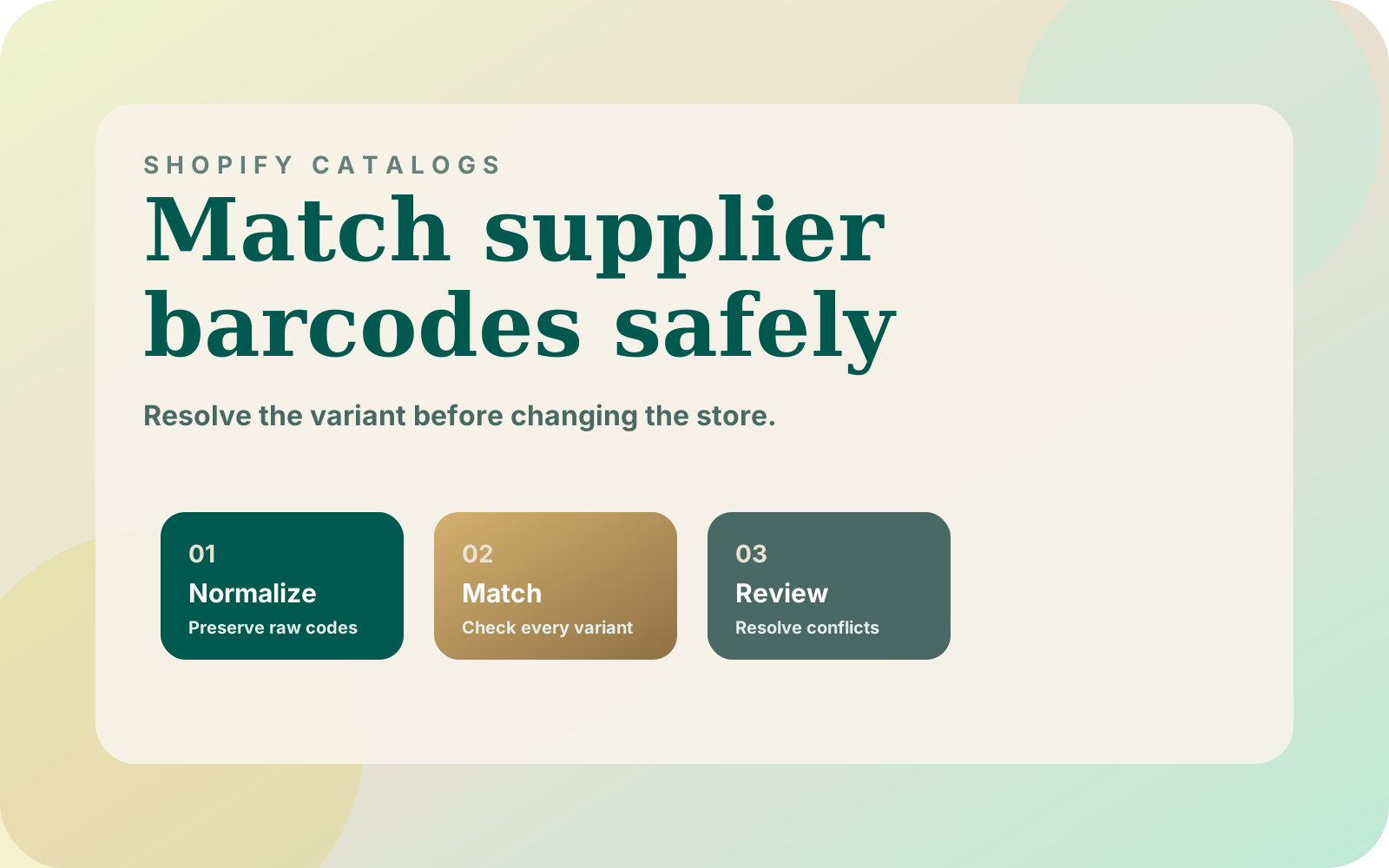
Shopify supplier barcode matching should answer which exact variant a row belongs to before it changes stock or creates a listing. I use barcode-first matching in BC Supply Ops, with a read-only review stage before publishing. For another store, I would make identifier validation, match ambiguity, and packaging checks explicit parts of that stage.
Why I separate a supplier offer from a Shopify variant
In BC Supply Ops for BeautyCorner.gr, I built around a 70,000+ product store and 7 suppliers. Three suppliers were automated; four supplied spreadsheets. The documented matching problem included testers, refills, variants, and duplicate supplier rows.
The import engine normalized supplier feeds and matched barcodes against the live store without writing to Shopify. That produced a reviewable new-arrival plan. Publishing was capped, idempotent, and resumable, with duplicate barcodes and already-published items skipped.
There is another useful decision in that project: supplier routing could change the SKU while leaving the barcode, images, and selling price in place. I would therefore model a supplier's offer separately from the store variant it supplies. Otherwise, a change of source risks looking like a different product.
The checklist below is my proposed specification for a new importer, not a description of undocumented BC Supply Ops code. It narrows the broader multi-supplier Shopify operations workflow to one question: when is an identity match trustworthy enough to use?
What should you normalize before comparing barcodes?
Start by asking what the supplier's identifier column contains. Shopify's barcode and product identifier guidance distinguishes custom barcode values from GTINs and supports multiple barcodes on a product or variant. Do not assume every value labeled “barcode” is a GS1 identifier.
For declared GTINs, I would use this normalization contract on both supplier data and the store snapshot:
- Keep the raw value and source row before changing anything.
- Read the identifier as text and preserve leading zeros.
- Trim surrounding whitespace, but flag embedded punctuation or unexpected characters for review.
- Require the declared GTIN to contain digits and have an accepted length: 8, 12, 13, or 14 digits.
- Validate its check digit, then create a separate comparison key padded with leading zeros to 14 digits.
GS1 explains the uniform 14-digit representation of GTINs. Padding belongs in the comparison key; I would retain the original value for diagnosis and avoid rewriting Shopify barcodes merely to make a join easier.
Use the GS1 US check digit calculator to check sample values while defining the import rules. A correct check digit verifies composition, not that the supplier attached the identifier to the right item. Keep the product review even when the arithmetic passes.
If a spreadsheet arrives with a shortened number or scientific notation, request the original identifier as text. I would not guess missing digits, recalculate a failing check digit, or strip characters until a match appears. Keep custom codes in a separate supplier-specific mapping unless their shared meaning has been verified.
How many variants does each identifier actually match?
Build a lookup from each comparison key to a set of distinct Shopify variant IDs. Include the relevant verified barcode aliases your integration can read. Several aliases reaching the same variant should count as one destination, while one key reaching different variants should remain ambiguous.
Record the catalog snapshot's scope and completion time. If the export or API read is incomplete, block the matching plan: an absent variant is not evidence that a supplier product is new. Confirm barcode coverage too, rather than assuming a single exported column includes every identifier used by the store.
I would classify each supplier row with the following decision table before considering stock, price, or publication actions.
| Result | Evidence to inspect | Proposed action |
|---|---|---|
| Missing or invalid GTIN | Raw value, declared type, validation failure | Hold for corrected supplier data or a verified manual mapping |
| Valid key, no destination | Complete snapshot, alternate identifiers, product details | Review as a possible new item; do not create automatically |
| One distinct destination | Variant ID, options, packaging, source row | Accept identity only after details agree |
| Several destination variants | Every matching variant and its options | Hold; resolve the catalog conflict before choosing a target |
| Repeated supplier rows | Supplier references, costs, quantities, packaging | Resolve the offer relationship before applying any update |
| Matching code, conflicting item | Supplier evidence beside the store variant | Hold even if there is only one destination |
Keep the candidate IDs in the report. A result labeled “duplicate” without showing the competing records leaves the operator unable to resolve it. Never select the first returned match as a substitute for deciding which listing is correct.
What if the barcode matches but the packaging differs?
I would compare the supplier's description and packaging evidence with the exact sellable variant. For fragrance, that means checking size, concentration, tester status, refill status, and pack quantity wherever they distinguish the offer. Similar names should help a reviewer investigate, not authorize an automatic merge.
Consider a hypothetical row described as a tester while the matched listing describes the retail presentation. Even with an equal comparison key, I would hold the row and ask the supplier to confirm the item. This is an acceptance scenario, not a reported incident from my project.
Apply the same rule when a supplier quotes a case but the storefront sells individual units. Do not silently convert quantities or costs inside barcode matching. Require an explicit, reviewed unit mapping before that offer can supply the variant.
A repeated code across suppliers may represent offers for the same item. Repeated rows within one supplier could also carry conflicting quantities or packaging. I would retain supplier identity and row references, then resolve those offers separately rather than summing stock simply because their codes match.
What evidence belongs in the matching report?
For each accepted or held row, retain the supplier, source file, row reference, raw identifier, normalized key, candidate variant IDs, and decision reason. Add the checked item details and the reviewer for any manual resolution. These are proposed importer fields, not required Shopify fields.
For a possible new item, require evidence that the catalog read completed and existing listings were checked using the verified identifiers available. Then send the row through the normal creation review. A barcode miss should not bypass the image readiness and publication queue.
Tie each approval to its source row, mapping rules, and destination variant. If any of those change, rebuild the match decision before using it. Resolve conflicting aliases in the mapping report rather than hiding them behind a previously saved approval.
Before enabling writes, I would exercise these acceptance cases with saved files:
- Equivalent valid GTIN representations resolve to the same comparison key.
- A bad check digit remains held rather than being repaired automatically.
- A custom supplier code never enters the global GTIN lookup.
- Multiple destination variants remain held, regardless of their ordering.
- A packaging conflict blocks an otherwise unique match.
- An incomplete catalog snapshot cannot produce approved new-product candidates.
These are recommended checks, not claimed test results from BC Supply Ops. A successful identity check also does not establish that a feed's quantities are current or complete. Keep the separate supplier feed acceptance checks before inventory changes.
Where to start
Take one supplier file and a complete store variant snapshot, then produce the decision table with writes disabled. Review unresolved identifiers and packaging conflicts before changing any normalization rules. Keep a copy of each resolution so the next run can explain why it targets that variant.
If your current importer cannot show the raw identifier, competing matches, and chosen destination, book a call. Bring a sanitized feed and a few unresolved rows. Those are enough to define the matching contract before the next stock update or catalog import.