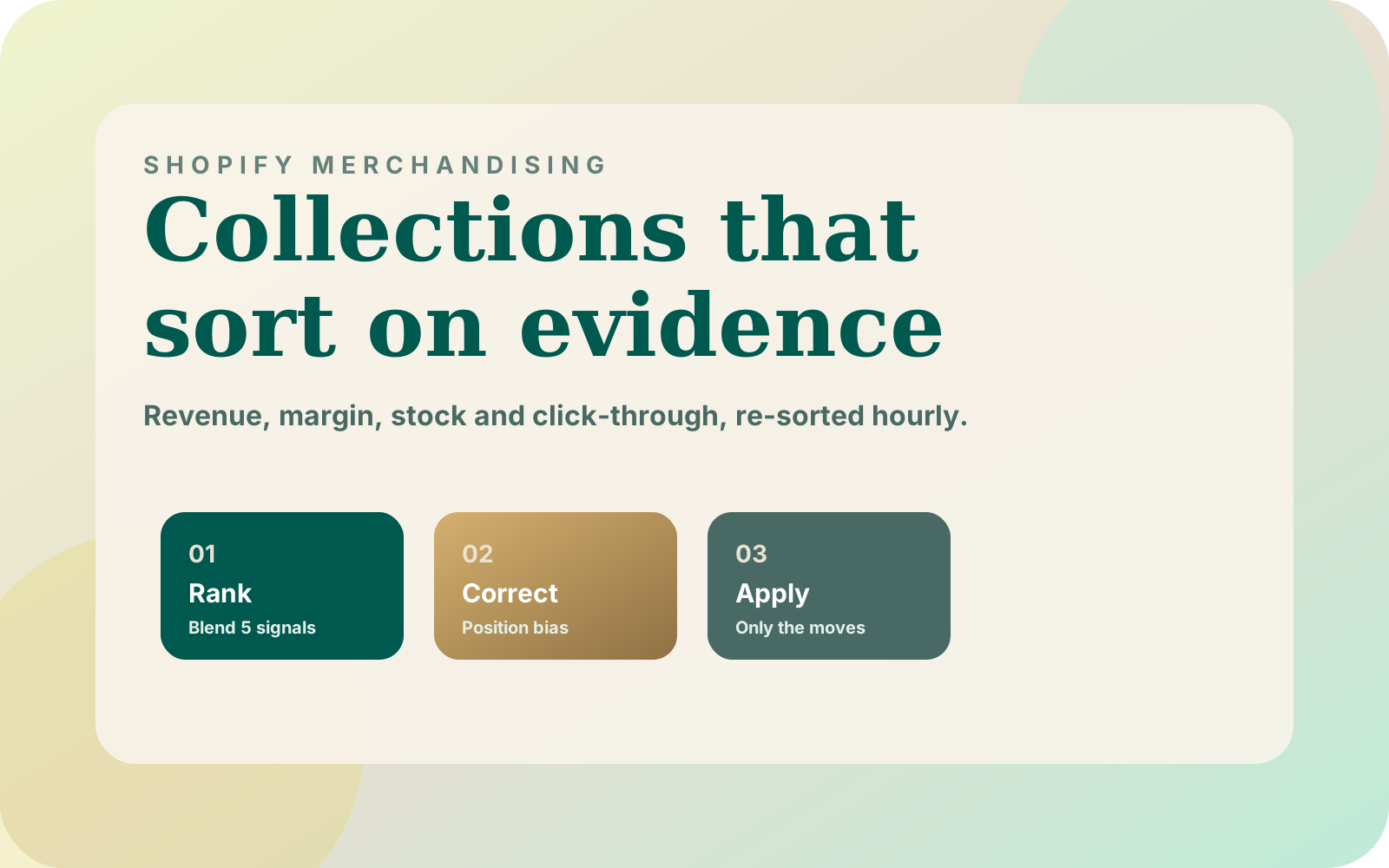

Shopify gives every collection one sort order: best selling, price, newest, alphabetical, or manual. On a few hundred products that is fine. On a catalog of tens of thousands, the order of a collection decides which products get seen at all, and one signal is never enough.
Why the Built-in Sort Orders Fall Short
Best selling rewards what sold, not what is in stock in every size or what earns margin. Newest buries proven products under untested ones. Price says nothing about demand. Manual sorting is the only order that can weigh everything at once, and nobody can maintain it by hand across hundreds of collections.
| Signal | What it captures | What goes wrong without it |
|---|---|---|
| Recent revenue | Demand that turns into money now | Last season's hero keeps the top slots |
| Conversion | How often a view becomes an order | Popular but unconvincing products crowd out buyers |
| Margin | What each sale is worth to the business | Discounted, low-margin items win every slot |
| Stock health | Availability across sizes and variants | Sold-out or broken size runs sit in prime positions |
| Position-adjusted click-through | Shopper interest, corrected for placement | Whatever is on top stays on top forever |
Slot One Gets Clicked Because It Is Slot One
Click-through rate looks like the purest measure of interest, but it is biased by where a product appears. The first row of a collection gets far more attention than the fourth, whatever is in it. Feed raw click-through back into ranking and the products already on top earn the most clicks, which keeps them on top.
The fix is to compare each product's clicks with what an average product would have earned in the same positions. A product that beats its position is genuinely interesting; one that only matches it is just well placed. Shopify does not report per-position engagement for collections, so this needs your own tracking, usually a web pixel that records impressions and click positions.
One View and One Order Is Not 100% Conversion
On a large catalog most products have very little traffic. A product with one view and one order shows 100% conversion and would jump to position one. The standard remedy is shrinkage: blend each product's own rate with the collection average, weighted by how much evidence the product has.
// k = how many views of evidence before a product's own rate dominates
const k = 50;

function shrunkConversion(orders, views, collectionRate) {
  return (orders + k * collectionRate) / (views + k);
}

shrunkConversion(1, 1, 0.02);      // ≈ 0.039, not 1.0
shrunkConversion(120, 2400, 0.02); // ≈ 0.049, close to its own 0.05
Re-sorting Without Fighting the API
Shopify reorders a manually sorted collection through the collectionReorderProducts mutation, which accepts up to 250 moves per call and returns a job that must finish before the next batch. Push the full order of a 5,000-product collection and that is twenty sequential round-trips. That cost is why many merchandising tools re-sort only once or twice a day.
Most re-sorts change only part of a collection. Products already in the right relative order can stay where they are, and the minimum number of moves is the collection size minus its longest increasing subsequence. On 57 real sort runs from a 47,000-product store, planning moves this way cut 84,916 moves to 22,299 and 382 API batches to 137.
// current: product ids in today's order; target: the new ranked order
const rank = new Map(target.map((id, i) => [id, i]));
const seq = current.map((id) => rank.get(id));

// Products on the longest increasing subsequence of seq already sit in the
// right relative order. Everything else gets one move to its target position.
const keep = new Set(longestIncreasingSubsequence(seq).map((i) => current[i]));
const moves = target
  .map((id, newPosition) => ({ id, newPosition }))
  .filter(({ id }) => !keep.has(id));
Guardrails Before Anything Touches a Live Collection
- Preview the exact moves and the signals behind each score before applying anything.
- Snapshot the current order before every run, so any sort can be rolled back.
- Abort a run that would reorder an unusual share of a collection. On the production runs above the median run moved 5.9% of a collection, so a 60% limit never fires on normal days but catches a half-synced data table.
- Allow one writer per collection. Overlapping reorder batches can scramble the order.
- Ingest catalog and order data with Bulk Operations, which do not drain the API rate limit the way paginated queries do on big stores.
Build It or Install It?
If your collections hold a few hundred products, the built-in sorts plus a few pinned products are often enough. Past a few thousand products per collection, or hundreds of collections, automation pays for itself. I built Swift AI Collections on exactly these ideas; the case study covers the details. If search is the bigger leak on your store, start with where Shopify search loses sales.
If your catalog is large and your collection pages feel stale, book a 30-minute call and we can look at your store together.