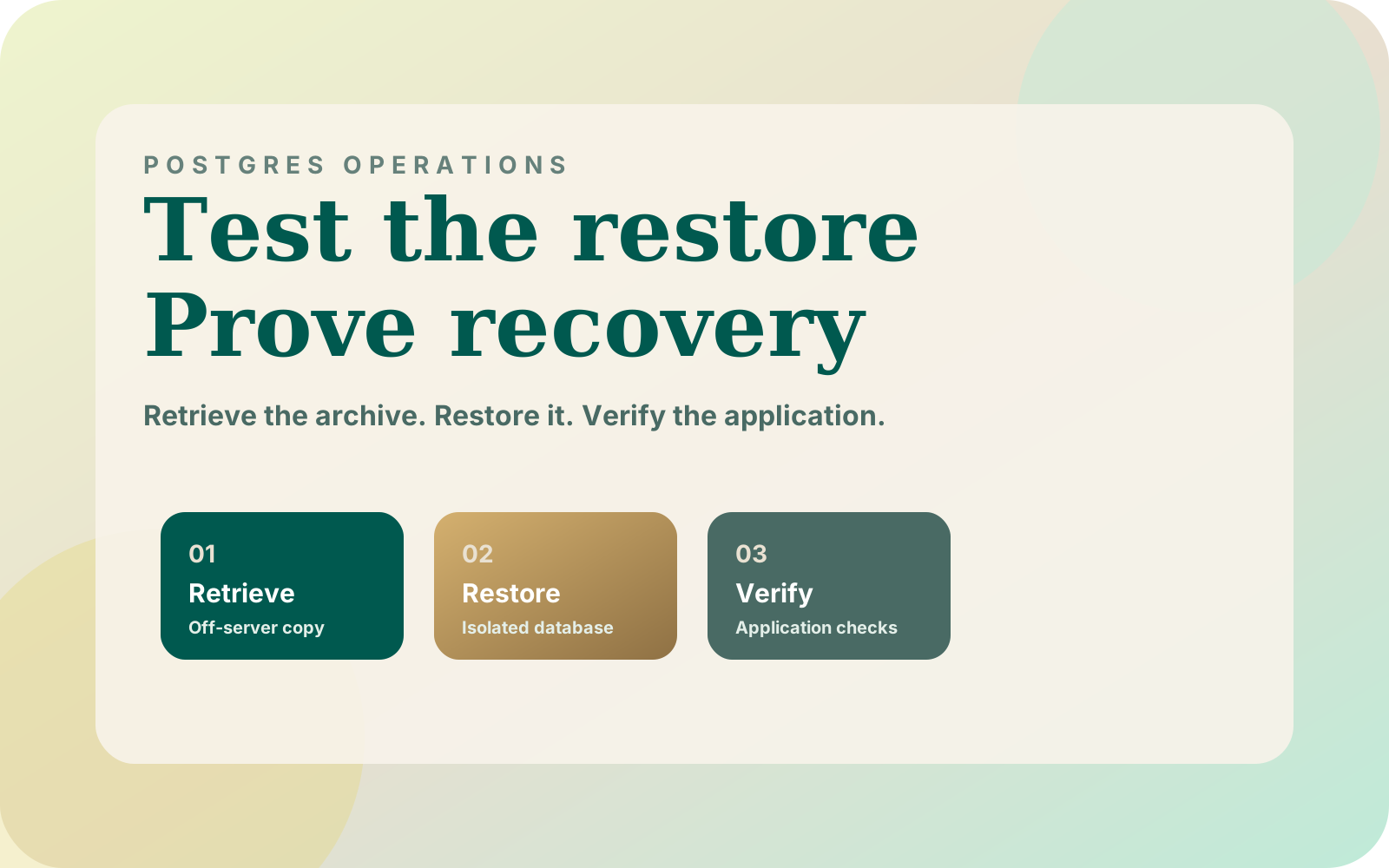

Postgres backups on Kubernetes need a test that ends with a usable application. After moving Dahlia to k3s, I documented a daily database dump with a specific limitation: its retained copies lived on the same server. A restore drill should expose that dependency and prove which recovery steps are actually possible.
What my original backup setup did and did not cover
In the Dahlia migration from Vercel to k3s, I replaced 23 hosted query call sites across five tables with SQL through the pg driver. Postgres ran as a StatefulSet with a persistent volume. A daily CronJob retained 14 days of dumps on the same server.
That arrangement gave me a local recovery source for a bad migration. It did not provide a surviving copy if the server's disk was lost. Keeping more local history would not remove that shared dependency.
The migration account recommends copying dumps off the server and running a restore drill. It does not record a completed drill or a measured recovery time. The procedure below is the acceptance test I recommend for that setup, not a claim that it has already passed.
What should count as a successful drill?
Start by naming the failure you want to survive. For this exercise, I would assume the original server and everything stored only on it are unavailable. Do not actually interrupt production; build a separate target and avoid relying on the original host during recovery.
Write down who can retrieve the backup and how they obtain the required credentials. Include the application image, configuration, and database dependencies in the recovery inventory. If the only copy of a required credential is on the missing server, the inventory is incomplete.
| Stage | Evidence to retain | Reason to stop |
|---|---|---|
| Retrieve | Remote object identity, backup timestamp, retrieval result | Only a local copy can be found |
| Prepare | Isolated database target and dependency inventory | Recovery depends on an undocumented production resource |
| Restore | Exact command, tool version, exit result, error log | Restore errors remain unexplained |
| Verify data | Expected schema and selected records at the backup point | Required data is missing or unreadable |
| Verify application | Results from agreed read and write checks | The app cannot use the restored database |
| Close | Elapsed times, failed steps, assigned follow-up work | A claimed recovery target has no supporting measurement |
I would keep this sheet with the deployment runbook so another engineer can repeat the exercise. A passing result should identify the archive and application version used; otherwise the next person cannot tell what was tested.
What does a database dump leave out?
PostgreSQL's pg_dump reference explains that a dump covers one database, not cluster-wide roles or tablespaces. Custom-format archives use pg_restore; plain SQL dumps use psql. An older-major pg_dump cannot export a newer-major server.
For this drill, I would match the PostgreSQL major version across source, tools, and destination, then test upgrades separately. Inventory roles, extensions, and configuration alongside the archive. Keep their recovery instructions available independently of the source server.
The same reference cautions that pg_dump alone is generally unsuitable for regular production backups outside simple cases. This drill tests a logical dump; it does not establish a complete backup strategy for every database. Choose the broader strategy against the amount of data loss and downtime the application can tolerate.
For Dahlia, I would also inventory the widget, API, and operator CMS configuration described in the Dahlia AI case study. Database recovery is only one part of bringing those surfaces back. Do not assume every external dependency is contained in the archive.
How do you know the scheduled backup really reached storage?
Kubernetes documents that CronJob scheduling can occasionally create duplicate Jobs or miss a run. Its CronJob guidance recommends idempotent jobs. concurrencyPolicy: Forbid prevents overlapping runs from that CronJob, but does not coordinate separate CronJobs.
I would make backup completion mean that the archive reached its intended remote destination and its identity was recorded. Keep failed uploads visibly failed. Use distinct archive names and record the successful object before rotating older copies.
Monitor the age of the newest successfully stored backup against your agreed tolerance. A scheduled job's existence is not evidence that yesterday's archive is retrievable. Retrieve the actual remote object during the drill instead of using a convenient file still beside the database.
These are proposed acceptance rules for the pipeline. The original migration post documents the local dump schedule and retention, not an implemented remote-storage provider or monitoring system.
How should you restore without touching production?
Prepare an empty database on an isolated test instance, with the required roles and extensions available. Use credentials restricted to that instance. Keep the recovery application disconnected from live webhooks, supplier dispatch, customer messaging, and scheduled business jobs.
For a custom-format archive, the following is a minimal restore step. Run it in Bash where pg_restore is installed, after downloading the archive. Set RESTORE_ARCHIVE to that file and RESTORE_DATABASE_URL to the isolated empty database; supply credentials through your approved secret mechanism.
set -euo pipefail
: "${RESTORE_ARCHIVE:?Set the path to the retrieved archive}"
: "${RESTORE_DATABASE_URL:?Set the isolated empty database connection}"
test -s "$RESTORE_ARCHIVE"
pg_restore --list "$RESTORE_ARCHIVE" > restore-contents.txt
pg_restore --exit-on-error --verbose \
  --dbname="$RESTORE_DATABASE_URL" \
  "$RESTORE_ARCHIVE" 2> restore.log
According to the pg_restore reference, --list inspects archive contents and --exit-on-error stops on a restore error. Listing the archive is only a preliminary check. Keep the restore log and investigate failures before running application checks.
This example preserves ownership and privilege restoration, so provision the required roles and restore permissions first. I would not silently suppress those steps to make a drill pass. Use a fresh target for a retry so partial work from a failed attempt does not blur the result.
What should you verify after the restore?
Connect the recovery application using its normal database role. Select known records from the backup period and exercise the paths that depend on them. For Dahlia, I would include opening a restored conversation in the operator CMS and saving a clearly marked test change.
Verify the result through the application again, then confirm it persisted in the test database. Keep any outbound integration stubbed or disabled throughout that check. This is a proposed test based on Dahlia's documented interface, not a reported production recovery result.
Compare against the backup's point in time. Production may have changed since the dump, so a comparison with the latest live row count needs explanation. Record which tables and records you checked, including any expected omissions.
Measure retrieval, environment preparation, database restore, and application verification separately. Also record the backup's age when the simulated incident began. Those measurements answer different questions: how much recent work is absent, and how long the service takes to become usable.
I would retain failures with the successful runs. The BC Supply Ops audit and recovery approach records operator actions and job state so interrupted work can be understood. Apply that same principle to the drill: retain enough evidence for someone else to diagnose the failed step.
Where to start
Find the newest backup that you can retrieve without access to the database server. If none exists, make remote storage the first task and leave the server-loss drill marked incomplete. If one exists, prepare the isolated destination and work through the acceptance sheet.
Record the outcome without estimating a recovery time you have not measured. Then repeat the failed steps after fixing their causes. Use the Dahlia deployment walkthrough to pair the database recovery steps with an application version in a runbook another engineer can execute.