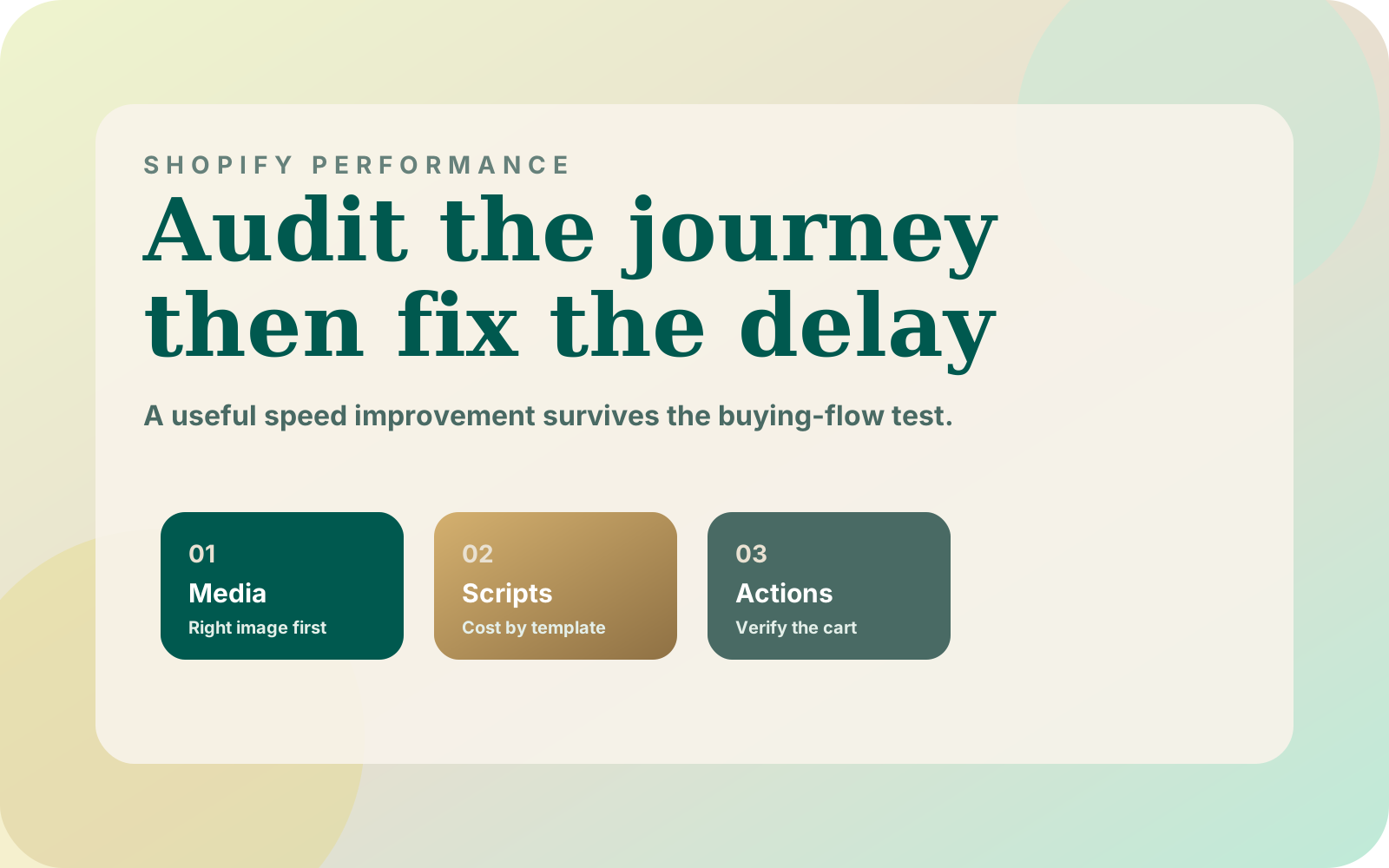
A Shopify theme speed audit should end with a specific improvement you can reproduce. A homepage score alone does not tell me whether a customer can find a product, choose a variant and use the cart. I start with that journey, then inspect the images and scripts competing with it.
1. Choose the pages and conditions before measuring
I would include the homepage, a collection, a product with variants and the cart. Pick pages that represent the actual store rather than the cleanest demo content. Note the theme revision, viewport, device, network settings and whether the browser cache is warm.
Then write a short task: open the collection, filter the assortment, view a product, select a variant and add it to the cart. Save the starting URLs and selected options. That gives a second person enough information to repeat the test after a change.
Shopify's web performance reports describe loading, interactivity and visual stability using visitor data. Compare that evidence with your controlled browser tests. A lab run is useful for reproduction, while real-user data helps show whether the problem exists beyond your machine.
I would record an unavailable field-data result as unavailable. It is not a perfect score and not evidence that the page is slow. Keep that distinction in the report so a merchant can understand what was actually measured.
2. Check the image that matters first
Find the image occupying the main initial viewport and inspect its request and markup. Is it discovered in the original HTML? Does its selected source match the rendered size? Is an animation delaying its appearance after the download finishes?
Shopify's theme performance guidance recommends eager loading for the LCP image and sensible responsive image sizing. I would not apply lazy loading to every image through a blanket theme setting. Images below the initial viewport have a different loading role.
The following example belongs in a Shopify Liquid product template where product.featured_image is available. The layout assumption is a full-width mobile image and a desktop image occupying roughly half the viewport. Adjust sizes to the real CSS instead of copying those widths blindly.
{% if product.featured_image %}
  {{ product.featured_image
    | image_url: width: 1600
    | image_tag:
      widths: '400, 800, 1200, 1600',
      sizes: '(max-width: 749px) 100vw, 50vw',
      loading: 'eager',
      fetchpriority: 'high'
  }}
{% endif %}
The image_tag reference documents the filter's generated image markup and responsive attributes. Inspect the output and the image actually requested by the browser. This example is for a likely primary image, not every item in a collection grid.
3. Make every script explain its cost
Create an inventory by template. For each script, record the feature it supports, when that feature becomes useful and what fails if the script is delayed. Include theme code, app embeds, analytics and experiments; a familiar vendor name is not a reason to skip the inspection.
My SwiftSearch implementation separates a 4.5 KB gzipped core from an 18 KB interface loaded on the first focus or hover that signals search intent. That is a project-specific loading boundary, not a target every app must meet. It is useful because the cost is tied to when a shopper needs the feature.
| Script purpose | Question before changing it | Regression to check |
|---|---|---|
| Search | Can optional UI arrive after intent? | Typed input and result selection survive |
| Reviews | Is the visible summary separate from the full widget? | Product evidence remains available |
| Cart | Which theme events does it own? | Variant and quantity stay correct |
| Analytics | Which consent and event dependencies apply? | Approved events retain their meaning |
| Experiment | Does it change initial content? | No misleading or unstable page state |
Avoid deleting a script simply because it is large. First identify the business behavior it owns and a safe way to preserve that behavior. The search loading walkthrough provides a more detailed example of that decision.
4. Measure the interactions that a page score misses
Try the slow action while a request is pending. Can the customer continue editing a search term? Does the selected variant remain visible? Does the add-to-cart button explain that work is in progress without inviting duplicate submissions?
Record the browser trace around that action, then inspect long tasks, request timing and layout movement. I would separate waiting for a server response from blocking the interface after the response arrives. Those situations may need different fixes even when the customer describes both as lag.
For React-heavy interfaces, the catalog performance guide explains that diagnostic split. For a Liquid storefront, begin with the theme and app code actually present on the affected page. The theme vs headless decision checklist helps test whether the requirement calls for a different storefront architecture.
5. Ship with a before-and-after acceptance record
Keep the original theme revision and a rollback path while testing. Make the smallest change that addresses the observed cause, then repeat the same journey and conditions. Record the new trace alongside the old one, including any tradeoff introduced by the fix.
My acceptance checklist would include product selection, cart behavior, keyboard access, consent-dependent behavior and a failed-request recovery path. Use the search accessibility worksheet to make keyboard and cart feedback checks repeatable. Check the final page on a real phone as well as an emulated viewport. A test that improves loading but breaks the shopping task is unfinished.
Start with one page and one reproducible delay. If you want help reviewing the evidence, book a theme speed review with the affected URL, the task that feels slow and the current theme revision. That is enough to begin a focused investigation without promising a score or revenue result in advance.