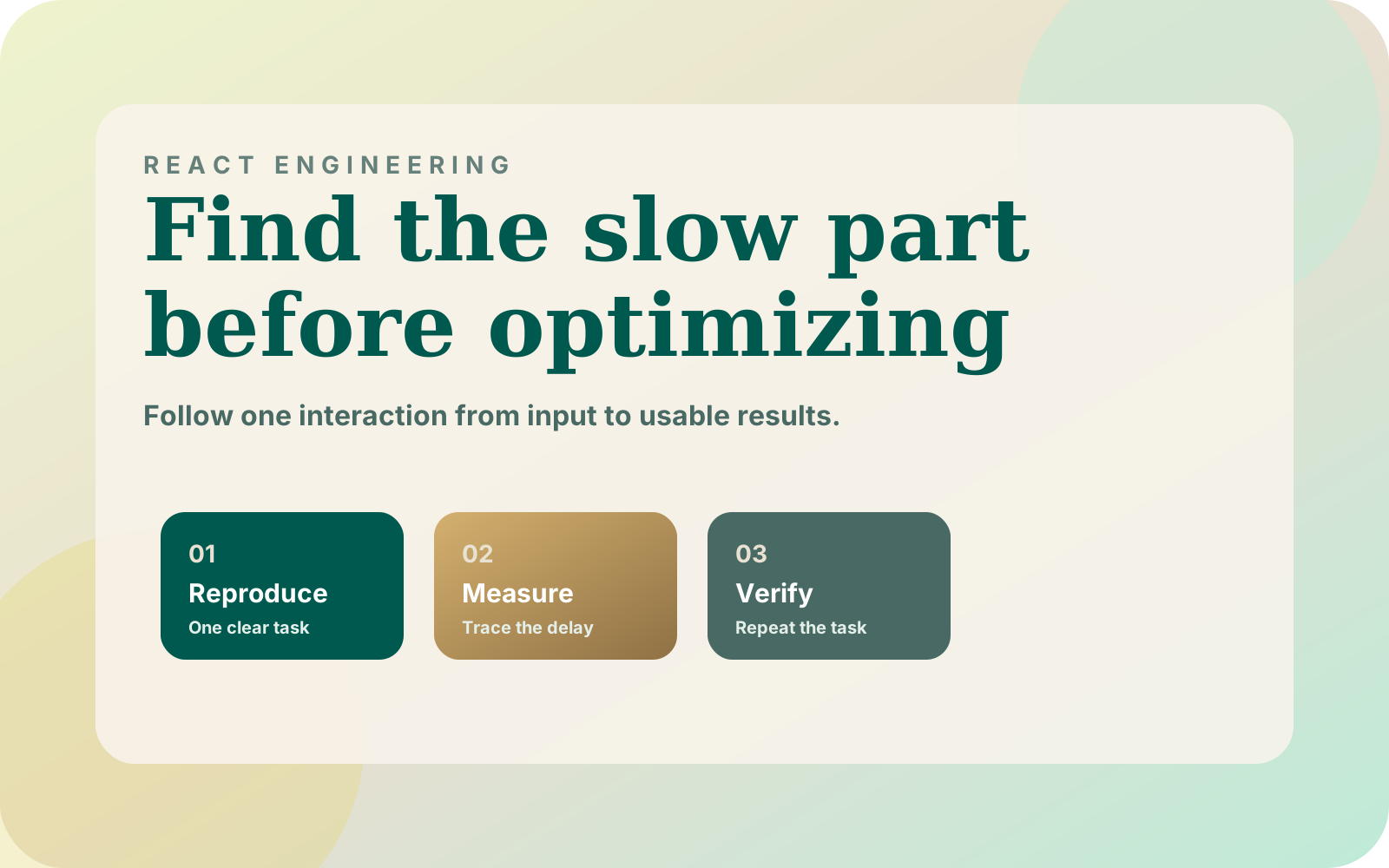



A slow React catalog screen does not automatically need more memoization. A delayed response, repeated rendering and expensive layout can produce a similar complaint: the interface feels stuck. I start by identifying which part of one interaction is late, then change that part and repeat the same task.
1. Turn the complaint into a reproducible task
“Search is slow” is too broad to guide a change. I would record the route, viewport, current filter state and exact input sequence. Note whether the delay happens before the first result, while typing, when opening a filter or after adding a product.
In SwiftSearch, I separated a 4.5 KB gzipped core from an 18 KB interface loaded on the first sign of search intent. That is a documented loading decision, not a benchmark for a React catalog component. It demonstrates why I distinguish the work needed to start an interaction from the work needed to finish it.
Choose a representative product set, including long names, missing optional fields and different variant counts. Keep that set fixed for the before-and-after comparison. A result obtained from an empty list does not establish that the populated screen improved.
2. Separate request time, React work and layout
Record the interaction in the browser performance tools and inspect the associated requests. Chrome's runtime performance guide explains how to inspect the timeline. I would first ask whether the interface is waiting for data or occupying the main thread after the data has arrived.
If rendering appears expensive, use the React Profiler around the relevant subtree. It reports render information; it does not measure the entire network-to-paint experience. Profiling itself has overhead, so compare like-for-like runs and confirm the final behavior in a normal production build.
| Observation | Next place to inspect | Premature change to avoid |
|---|---|---|
| Response arrives late | Request waterfall and server work | Memoizing every card |
| Response arrives quickly, input still stalls | Main-thread trace and React renders | Buying a larger server first |
| Cards shift after images arrive | Media dimensions and layout | Debouncing the search input |
| Filter change rebuilds unrelated panels | State ownership and prop changes | Replacing the whole framework |
| First interaction waits for code | Chunk loading and activation boundary | Eagerly loading every optional feature |
The table is a diagnostic order, not a rule that one symptom has only one cause. Save the trace with the reproduction steps so the next person can check the same event rather than rely on a screenshot of a score.
3. Put state where its changes matter
A query string does not necessarily belong in the same state object as an entire admin dashboard. I would inspect which components receive it and whether unrelated sections rerender on each keystroke. Move state closer to the components that need it before introducing a broad caching strategy.
Also inspect the data boundary. The Swift AI Collections case study documents set-based database rollups instead of folding large event histories in JavaScript. That is a backend decision, but it is a useful reminder: a frontend optimization cannot compensate for choosing the wrong amount of work to send across a boundary.
For a catalog screen, ask whether the user needs every product record in the browser. A page of results, explicit filters and a stable ordering may fit the task better. If the experience needs a long continuous list, evaluate windowing together with keyboard navigation, focus persistence and find-in-page expectations before adopting it.
4. Keep typing responsive without pretending the work disappeared
React's useDeferredValue guidance describes deferring a value used by slower rendering. It can let an input update while a results view catches up. It does not independently reduce network requests or make a long synchronous calculation interruptible in the middle of that calculation.
I would consider that tool after isolating the expensive subtree. Make stale results recognizable, and keep the currently displayed query associated with the displayed products. A shopper should not mistake results for the previous term as the final answer to the current term.
Memoization also needs an observed purpose. Check whether the inputs to a slow calculation remain stable between relevant renders and whether caching it changes the recorded interaction. If a parent creates fresh objects for every card every time, a memoized child may not produce the result you expected.
For request timing, define a separate policy: cancellation, caching or a deliberate debounce where appropriate. Do not disable the input merely because a response is pending. The search widget loading guide covers preserving the query when the interface itself is still loading.
5. Retest the buying action, not just the trace
After the change, repeat the same typing and filtering sequence with the same dataset and viewport. Compare the specific delay that motivated the work. Also try a slow response, a rejected request and a rapid change of filters to expose stale-result behavior.
Check the product action separately. A smooth list that sends the wrong variant to the cart is a regression. Keep the selected variant, displayed price and pending action tied to the correct product when rows are reordered or reused.
Record what changed, what was measured and what remained outside the test. I would keep a small acceptance checklist with the reproduction steps: input stays usable, results correspond to the intended query, errors have a recovery path, and keyboard focus remains understandable.
Start with the slowest reproducible interaction on one screen. If the problem instead concerns browser subscriptions or hydration, use the custom hook checklist. If the whole Shopify page is heavy before any interaction, move to the theme speed audit.