
Shopify search accessibility becomes harder to test when results include variant selectors and cart actions. Finding a matching product is only the first step: a shopper must be able to choose it, understand what changed and recover from a failed request. I would review that complete journey before treating the search interface as ready.
1. Start with the controls the shopper actually uses
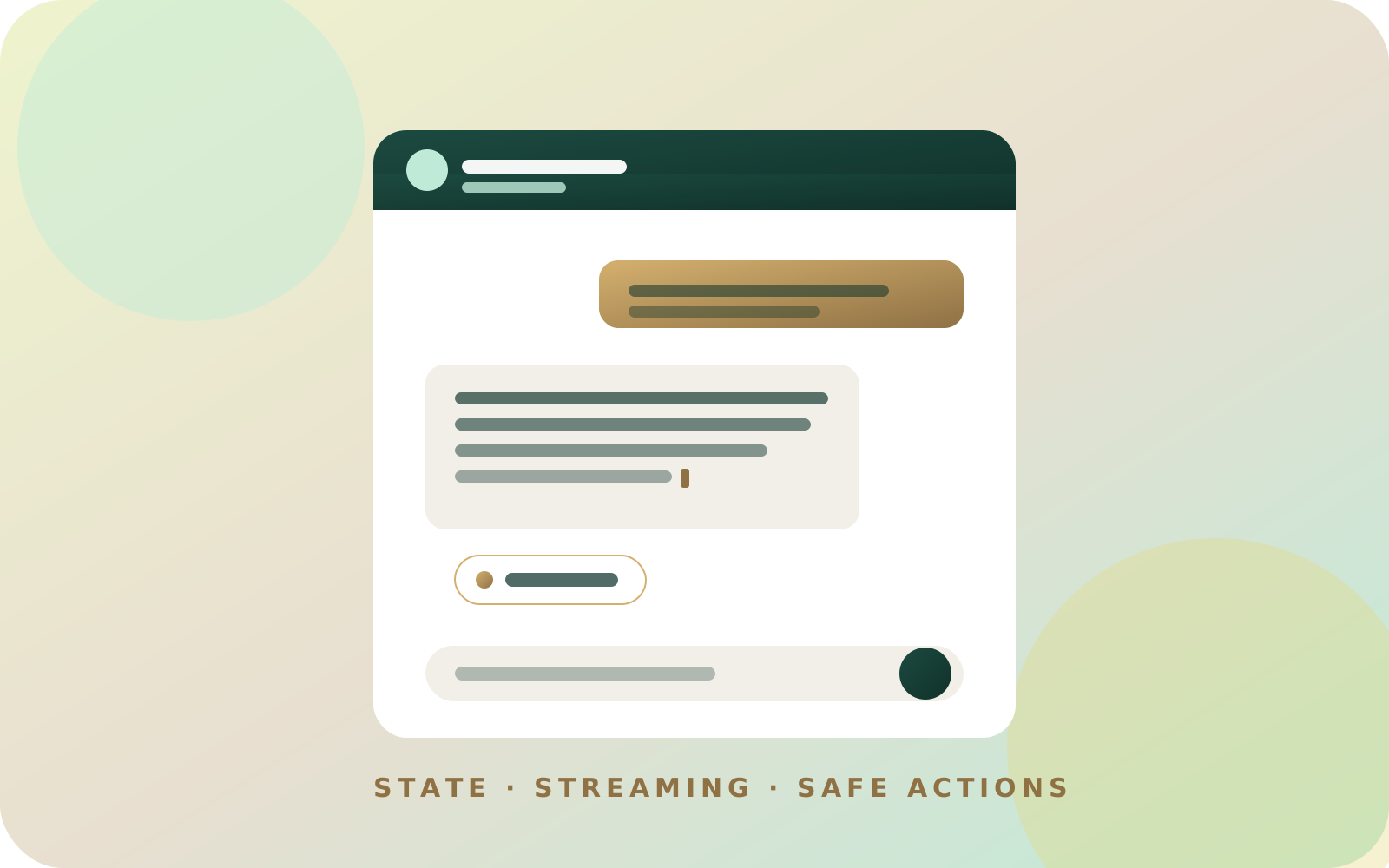
My SwiftSearch case study documents a variant picker and Add to cart button in each result. The theme's own cart drawer handles the cart. On mobile, search uses a full-screen panel with an in-place Added confirmation and View cart link.
Those details make the review more demanding than testing a list of suggested search terms. The following worksheet is a proposed review for that kind of interface, not a claim that the published app has passed a formal accessibility audit. Record observed behavior against a particular theme and app version.
Begin by listing every control in the panel: search input, clear button, product links, variant selectors, cart actions and close button. Include controls that appear only after an error or a successful cart request. A screenshot of the initial state will miss those later interactions.
Then describe what opening the panel means. Does it replace the current task until dismissed, or can the shopper still interact with the page behind it? That decision should drive the interaction model instead of adding ARIA attributes after the visual design is finished.
2. Match the pattern to the search interface
The WAI-ARIA combobox pattern describes different popup types and their keyboard behavior. A compact suggestion list and a panel containing several independent controls need different implementations. Labeling a rich product card as a listbox option does not establish how its nested variant picker and cart button work.
For a genuinely modal search panel, use the modal dialog pattern as the reference. It covers accessible naming, focus placement, keeping keyboard navigation inside the open dialog, Escape and returning focus. Do not declare a panel modal while leaving its background freely interactive.
I would sketch the focus journey before implementation. For example: search launcher, search input, first product link, variant selector, Add to cart, next product, close. That sequence is a design proposal; the actual sequence depends on the selected pattern and the content.
Keep editing predictable. A shopper changing the middle of a query should not lose their cursor because the results rerendered. The search loading guide also explains why typed input must survive the transition from a small loader to the full interface.
3. Run a keyboard journey with explicit pass conditions
Use a product that has at least two meaningful options and an unavailable option. Start from a freshly loaded storefront, leave the mouse alone and record the exact keys used. Repeat with a slow response so intermediate states stay visible long enough to inspect.
| Step | Expected observation | Failure worth recording |
|---|---|---|
| Open search | Focus reaches the intended starting control | Focus remains behind the panel |
| Edit the query | Cursor and typed text remain stable | New results reset the input |
| Reach a result | Product link and controls have clear names | Several controls all announce only “Select” |
| Change a variant | Selected option and relevant product information agree | Price belongs to the previous option |
| Add the selection | Pending state identifies the requested product | Repeated activation starts duplicate requests |
| Open the cart | The handoff follows the documented interaction | Search and cart both compete for focus |
| Close the panel | Focus returns to an appropriate visible control | Focus disappears into the document body |
Test forward and backward movement. A journey can look correct when pressing Tab but fail when a shopper returns to an earlier choice. Also inspect whether the visible focus indicator remains visible at the edges of a scrolling result panel.
The product-card design guide covers the underlying information hierarchy. Accessibility testing becomes harder when the card itself does not make clear which variant its button will add.
4. Make asynchronous changes understandable
A result count, cart confirmation or failed request may appear while focus stays on the search input or button. WCAG's status-message guidance explains how relevant updates can be exposed to assistive technology without forcing a focus change. Select the appropriate status treatment for the message and test its actual announcement.
I would keep feedback specific: “Added the 50 ml option” is more useful than “Success.” That wording is an illustrative example, not a transcript from SwiftSearch. A failed request should leave the selected option visible and offer a clear next action.
Avoid turning every internal event into a message. Record what happens when several responses arrive quickly: the shopper should not have to listen through a backlog of obsolete result counts. Separately check that an older response cannot replace results for the latest query.
Test a query with no matches, a network failure and an unavailable item. Keep these outcomes distinct in the interface. “No products found” should not disguise a request that never reached the server.
5. Keep an evidence record before release
For each run, record the theme revision, app revision, browser, device, assistive technology and selected product. Save a short reproduction for each failure, including the starting URL and the expected next focus target. This lets someone else confirm the fix without guessing your setup.
Repeat the journey in the mobile layout and with a screen reader. Keyboard-only testing reveals one set of issues; it cannot establish that names, roles and status announcements are correct. Automated checks can supplement these observations, but this worksheet is not a complete WCAG conformance assessment.
Start with one product and the complete search-to-cart journey. If the first failure is unclear, book a storefront review with the affected theme and reproduction steps. Fixing a specific broken transition gives the next test a clear purpose.