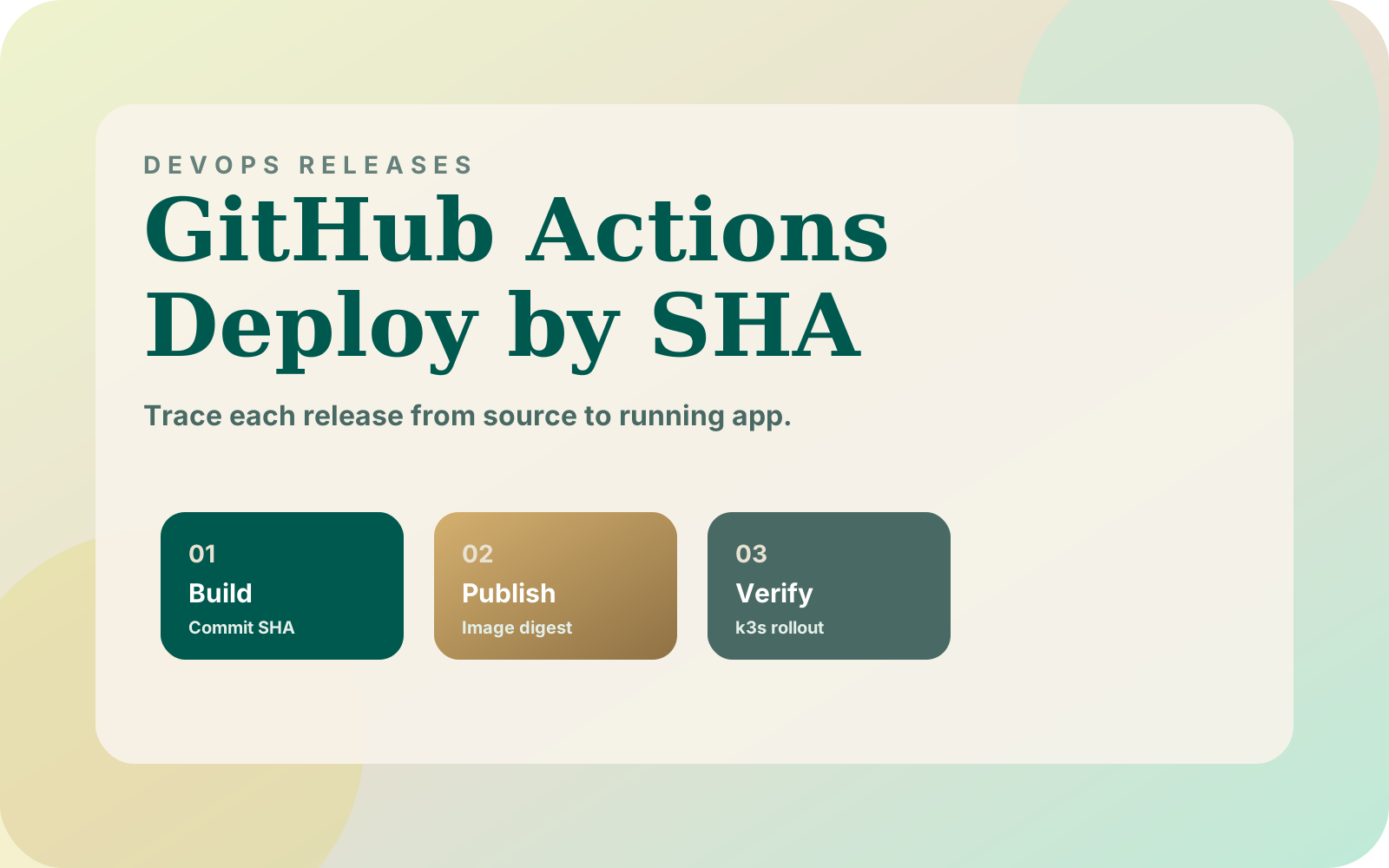


Deploying from GitHub Actions through GHCR to k3s by commit SHA should leave an answer to one question: which release is serving the application? I use commit tags to connect an image to its source, then recommend recording the published digest and verifying the rollout before calling the release complete.
What did I ship for Dahlia, and why?
In my Dahlia migration from Vercel to k3s, GitHub Actions ran checks, built with Buildx, and published to GitHub Container Registry. I tagged images by commit SHA to make deployment identity and rollback targets explicit. Pull requests built the image without publishing it.
One Express app served the widget, admin, and API, so I used one image and one Deployment. That decision makes the release boundary useful: the same application image needs to support all those surfaces. Testing only the widget would leave part of that boundary unchecked.
I also skipped deployment until cluster credentials existed, allowing the pipeline to be prepared before the server. The migration records those decisions; it does not document a completed rollback drill or digest-pinned deployment. The release record and commands below are the procedure I recommend for extending that setup.
What should the release record contain?
A source commit identifies the code you intended to build. The Kubernetes image documentation distinguishes movable tags from immutable content digests. Naming a tag after a commit does not turn the tag itself into a digest.
I would retain both identities. Use the full source SHA as the readable tag, then pass the published ghcr.io/owner/app@sha256:... reference into deployment. Treat the commit tag as write-once in the publishing workflow, even when deployment uses a digest.
| Field | What I would record | Question it answers |
|---|---|---|
| Source | Repository and full checked commit SHA | Which code passed the checks? |
| Build | Actions run URL and published image digest | Which build produced this artifact? |
| Target | Cluster context, namespace, Deployment, container | Where should it run? |
| Configuration | Manifest revision and secret version references, without values | Which runtime settings belong with it? |
| Previous release | Prior image digest and configuration references | What is the recovery candidate? |
| Acceptance | Rollout result and application checks | What actually passed? |
For another build of the same source, I would create a separate build record and retain its resulting digest. Do not overwrite the evidence for an earlier deployment. When investigating a release, follow the recorded build to its artifact rather than inferring identity from a familiar tag name.
How should GitHub Actions hand the image to k3s?
Start with an existing Dockerfile, application checks, and a provisioned cluster. GitHub's Docker image publishing guide documents GHCR authentication with GITHUB_TOKEN and a publishing job with packages: write. Its build-and-push example exposes the image digest as a step output.
For my proposed workflow, I would make publication depend on successful checks of the same source revision. Restrict publication and deployment to the intended release branch; keep pull-request validation free of publishing credentials. Pass the publisher's digest directly to the deploy job instead of rebuilding the application there.
Keep the identities clear when configuring Actions. Pinning a third-party action to its own commit SHA, as GitHub recommends, controls the action revision. That SHA is separate from the application commit used for the image tag.
The cluster also needs access to the image. A successful runner login does not establish the cluster's pull access; for private images, Kubernetes supports imagePullSecrets in the Pod's namespace. I would validate that access in the destination namespace before making it a release dependency.
For Dahlia's separate client namespaces, I would record each target explicitly. Serialize changes to the same target and reject stale deployment requests. Two individually successful builds should not leave an older release overwriting a newer deployment simply because it finished later.
How do you deploy one recorded image?
The Kubernetes Deployment guide documents updating a named container with kubectl set image and waiting with kubectl rollout status. The following example uses that direct deployment model. If a controller reconciles your manifests, update its source of truth with the recorded image instead.
Run this in Bash with kubectl and jq installed, using an already configured cluster context and an existing, unpaused Deployment. Export the five required variables using your actual target names and published digest. The selected identity needs permission to read and patch that Deployment and watch its rollout.
set -euo pipefail
: "${KUBE_CONTEXT:?Set the intended cluster context}"
: "${APP_NAMESPACE:?Set the application namespace}"
: "${APP_DEPLOYMENT:?Set the existing Deployment name}"
: "${APP_CONTAINER:?Set its application container name}"
: "${IMAGE_REF:?Set the published ghcr.io image digest reference}"

if [[ ! "$IMAGE_REF" =~ ^ghcr\.io/[a-z0-9._/-]+@sha256:[a-f0-9]{64}$ ]]; then
  printf '%s\n' 'Use a GHCR image reference ending in @sha256:<64 hex characters>.' >&2
  exit 1
fi

k() {
  kubectl --context "$KUBE_CONTEXT" --namespace "$APP_NAMESPACE" "$@"
}

PREVIOUS_IMAGE=$(k get deployment "$APP_DEPLOYMENT" -o json |
  jq -er --arg name "$APP_CONTAINER" \
    '.spec.template.spec.containers[] | select(.name == $name) | .image')
printf 'Previous image: %s\n' "$PREVIOUS_IMAGE"

k set image "deployment/$APP_DEPLOYMENT" "$APP_CONTAINER=$IMAGE_REF"
k rollout status "deployment/$APP_DEPLOYMENT" --timeout=180s

k get deployment "$APP_DEPLOYMENT" -o json |
  jq -e --arg name "$APP_CONTAINER" --arg image "$IMAGE_REF" \
    'any(.spec.template.spec.containers[]; .name == $name and .image == $image)'
The 180s timeout is an example setting; choose one against the application's expected startup behavior. Retain the printed previous image in the release record before treating this as an unattended deployment step. If that reference is only a tag, resolve and retain its artifact identity before depending on it for recovery.
The script checks rollout completion and the Deployment's requested image. It assumes exclusive deployment access for that target; it does not implement a lock. A failure should leave the release incomplete while you inspect the evidence.
What proves the intended release is working?
After the script, inspect the Deployment's Pods and record their container image references and runtime image IDs. Keep the expected published digest alongside that observation. Investigate discrepancies with the registry's platform manifests rather than assuming every displayed identifier represents the same object.
Then exercise the application through its normal entry points. For Dahlia's storefront widget and operator CMS, I would open the widget, request a product recommendation, and inspect a test conversation in the CMS. I would also test the documented human-takeover path using a designated test conversation.
Those are proposed acceptance checks, not reported production test results. Record the target store, image, time, and observed result for each one. An HTTP success response alone would not answer whether the operator can use the conversation workflow.
If Pods cannot pull the image, inspect the image reference and registry-access evidence first. If they start and repeatedly terminate, preserve their status and logs. My OOMKilled diagnostic checklist explains why an exit code alone should not determine the fix.
Can you roll back the whole release?
Before approving a release, I would ask whether the previous image remains retrievable and whether it can use the current configuration and database. Keep that compatibility decision with the deployment record. Having an old SHA written down is insufficient if the artifact or required settings are gone.
Kubernetes revision rollback restores the Deployment's Pod template; it does not reverse application database changes. Dahlia's migration put Postgres in a separate StatefulSet with persistent storage. I would therefore review schema compatibility independently of the application image change.
For an image-only regression with compatible data and settings, redeploy the retained previous digest through the same controlled path and repeat the acceptance checks. When schema compatibility is uncertain, pause that recovery decision and investigate it. The Postgres restore-drill acceptance sheet covers the separate evidence needed for database recovery.
Where should you start?
Choose one non-production deployment and complete the release table for its current version. Locate the source commit, published artifact, target namespace, and previous recovery candidate before changing anything. Missing fields become specific pipeline work rather than assumptions during a failed release.
Next, deploy one recorded digest and run the widget, API, and operator checks relevant to your application. Have another engineer use the record to identify the running release and explain the recovery path. That is the handoff I would want before trusting the workflow with a client-facing service.